
Pricing your product in one country is hard enough. Doing it across 10 countries, with different currencies, taxes, and buying power, can feel impossible.
That is why you need a simple, structured international SaaS pricing workbook. Not a fancy model only your CFO understands, but a practical tool your team can use to test, compare, and refine prices across markets.
In this guide, you will learn what to put in that workbook, how to use it, and how to avoid the usual global pricing traps that kill margin or stall growth.
Why International SaaS Pricing Needs Its Own System
Most teams start by taking their US or EU price, converting it into a new currency, then calling it a day. That approach usually leads to poor conversion, angry customers, or both.
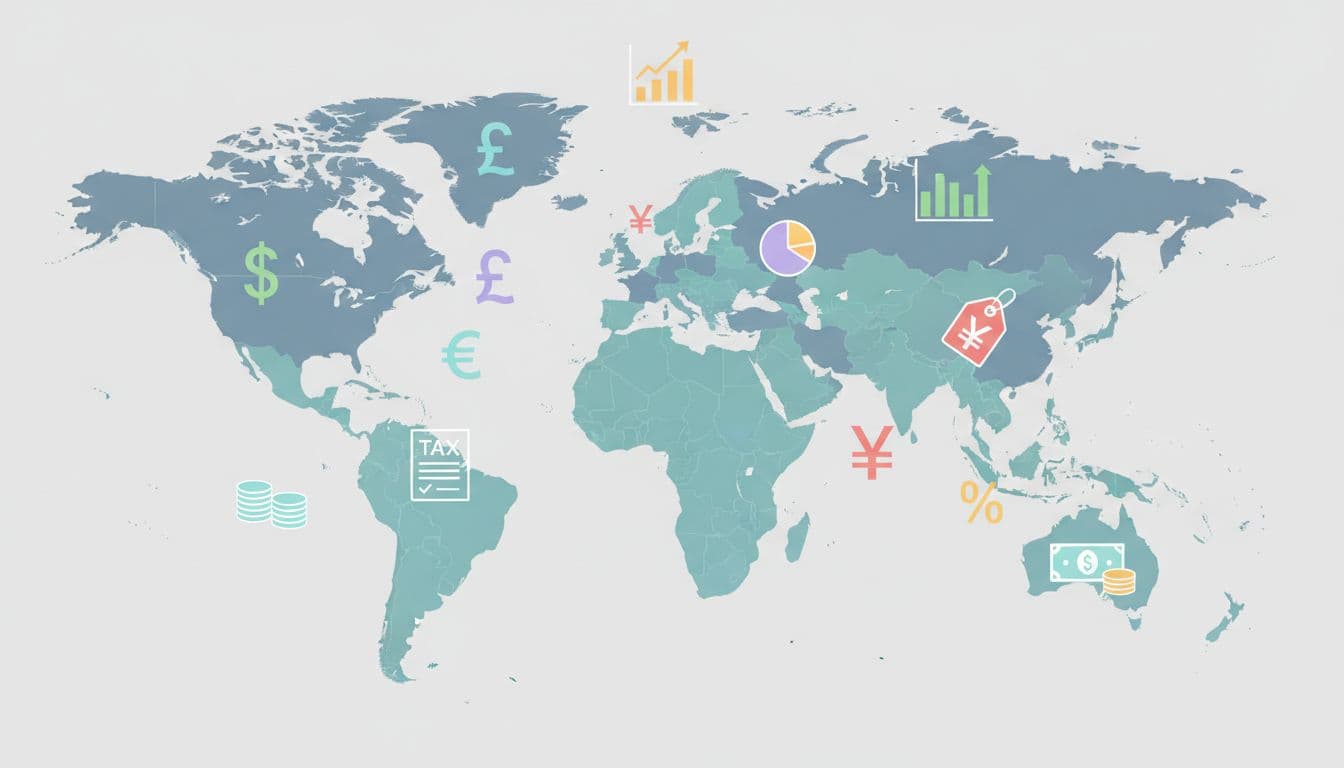
Each country has its own mix of:
- Purchasing power and income levels
- Local competitors and “normal” price anchors
- Tax rules, payment preferences, and billing habits
Your workbook becomes the single place where all those inputs live, so you stop guessing and start comparing markets side by side.
What Your International SaaS Pricing Workbook Should Include
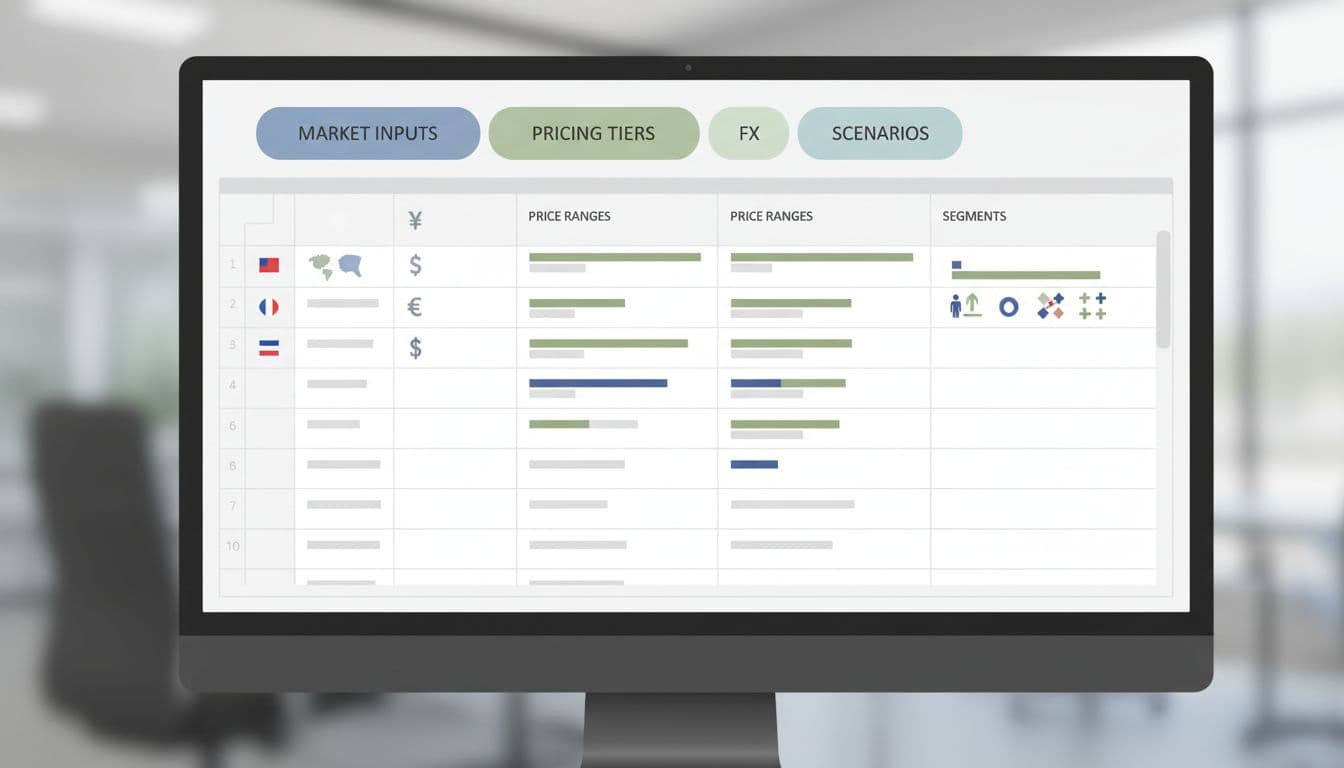
Think of the workbook as a living control panel. It should let you plug in market data, see how prices shift, and test different strategies without breaking your live pricing page.
Below are the core sections to build.
1. Market and Segment Inputs
Start with a tab that lists each target country or region. For each, add fields such as:
- Currency and FX rate against your base currency
- GDP per capita or a simple “buying power” index
- Target segment (SMB, mid-market, enterprise)
- Local competitor price ranges
You can pull macro data from public sources, then refine it over time with your own win/loss notes and sales feedback. The goal is not perfect data; it is a consistent view you can compare across markets.
2. Willingness To Pay and Positioning
Your next tab should capture how customers think about your product in each market. This is where your research, interviews, and experiments sit together.
Include columns for:
- Current list price in the base market
- Surveyed or estimated willingness to pay by segment
- Key value drivers by region (speed, compliance, support, etc.)
- Price sensitivity notes from sales and CS
If you want more background on how pricing models influence purchase behavior, this guide to SaaS pricing models and strategies is useful context. You do not need to copy their whole model, just borrow what fits your motion.
3. Tier Structure and Feature Mapping
Next, mirror your packaging inside the workbook. Create a simple view of tiers or plans, then map features to each one.
Your workbook should let you answer questions like:
- Does “Pro” in Germany feel too expensive for the value it offers there?
- Should the entry tier in India include one extra feature to support growth?
Add columns for usage limits, key features, and “must-have” items in each market. This alone will surface gaps before you change a single price.
4. FX, Rounding, and Localization Rules
This is where many teams quietly lose money. If you only convert prices with today’s FX rate, your margins jump around by month and market.
Your workbook should include:
- FX rate inputs with a buffer (for example, last 90-day average)
- Price rounding rules by currency (99 vs 90, whole numbers vs decimals)
- Net vs gross pricing, including VAT or GST where needed
A helpful starting point is this guide on price localization strategy for global SaaS startups. It shows how even simple cosmetic changes, like showing prices in local currency, can improve conversion and retention.
How To Use Your International SaaS Pricing Workbook
Once the structure is in place, the workbook turns into a repeatable playbook. Here is a simple process you can run each time you enter or review a market.
Step 1: Choose an Anchor Market and Guardrails
Pick one “anchor” market, often your most mature one, and set your ideal price and margin there.
Add guardrails in your workbook, such as “no region should be priced below 60 percent or above 140 percent of the anchor for the same tier.” This keeps your pricing story consistent while giving room for localization.
Step 2: Set Regional Price Corridors
Use your market inputs and willingness to pay data to define a price corridor per region.
For example, your workbook might show that SMB prices in Western Europe can sit 15 to 25 percent higher than your US tier, while prices in Latin America should sit 20 to 35 percent lower.
The article on regional vs global SaaS pricing offers a good view of when a single global list makes sense and when regional price bands win. You can reflect that approach directly in your workbook, with one tab for global prices and another for regional overrides.
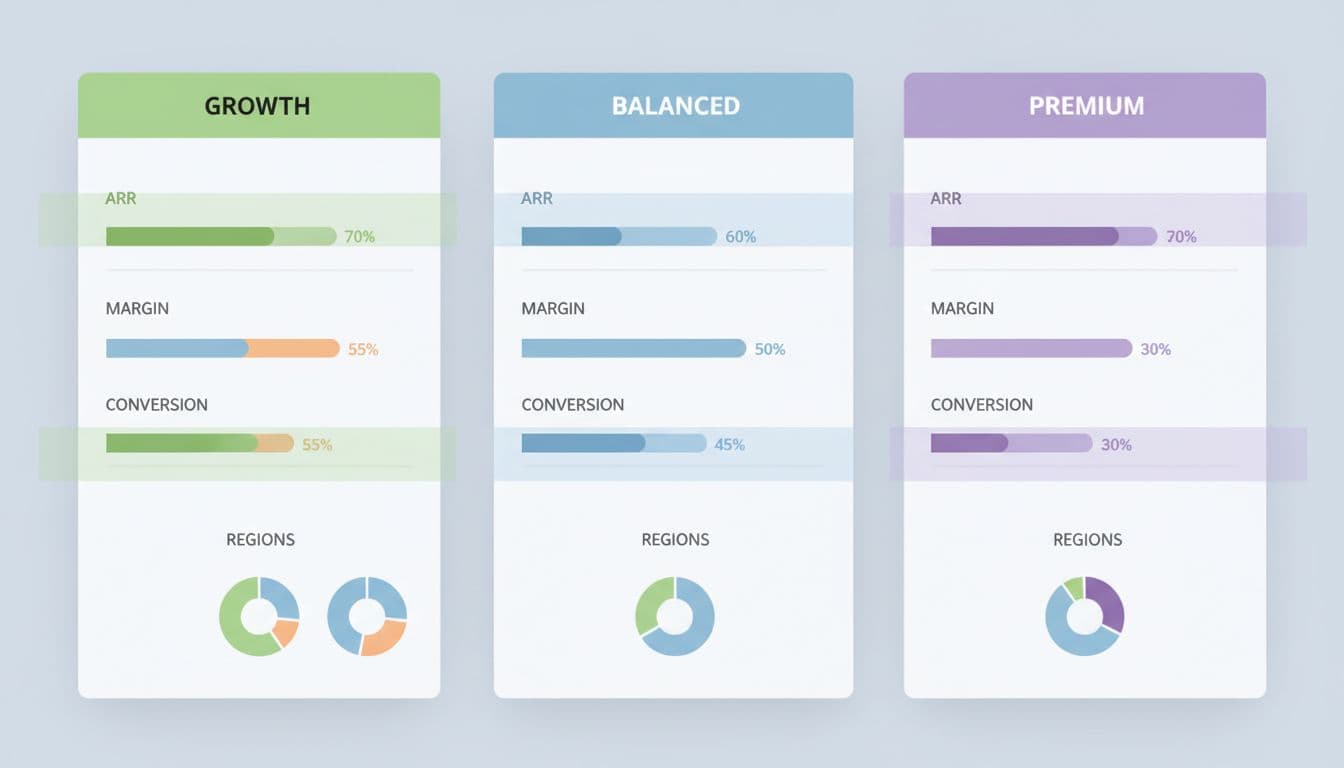
Step 3: Run Scenarios Before You Touch The Website
Do not ship the first number that “feels right.” Use your workbook to run a few scenarios:
- Higher price, smaller discount range
- Lower list price, standard discount policy
- One extra tier for entry-level markets
Store each scenario on its own sheet. Compare projected ARR, margin, and expected conversion before you roll anything out.
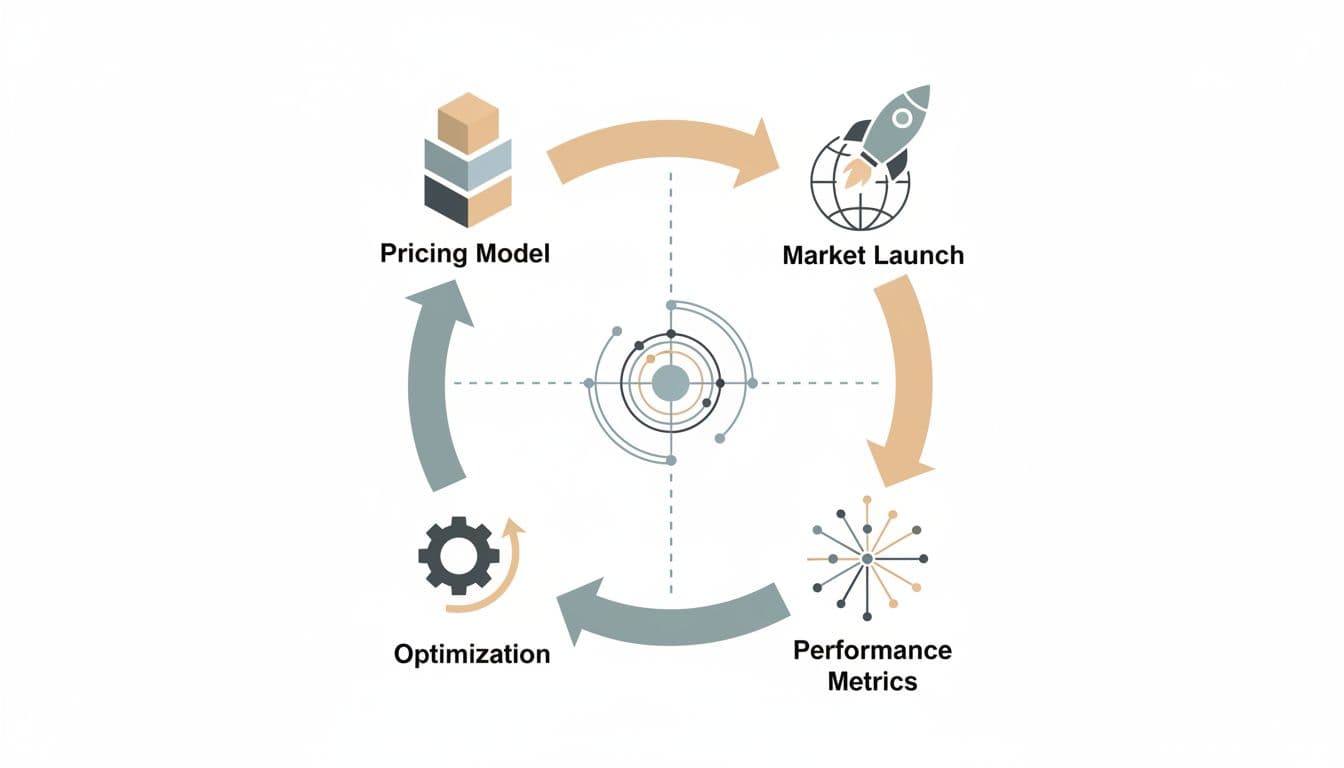
Step 4: Launch, Track, and Feed Results Back In
Once you launch new prices, your workbook becomes the scorecard. Feed in data every month or quarter:
- Win rate by region and tier
- Average selling price vs list price
- Discount depth and frequency
Over time, this closes the loop so international SaaS pricing becomes a system, not a one-off project.
Common Mistakes To Avoid With International SaaS Pricing
Even strong teams fall into the same traps. Your workbook can help you avoid them if you watch for these patterns.
Copy-paste pricing: Simply mirroring US or EU prices everywhere without checking local competition or income levels.
FX-only thinking: Converting prices with today’s rate and ignoring margin swings or purchasing power.
Ignoring psychological price points: Prices that “look wrong” in a currency, like 127.13 EUR, hurt trust.
Set-and-forget behavior: Treating international pricing as a one-time launch, then never updating the workbook with real results.
Each of these has a direct impact on ARR and churn. Your workbook gives you the early warning signs.
Turning Your Workbook Into A Living SaaS Pricing System
A workbook is only as strong as the habits around it. To keep it useful, decide who owns updates, how often you review, and which decisions must go through the model.
Many teams do well with a simple rhythm:
- Monthly: update FX rates and key metrics
- Quarterly: review regional performance and tweak corridors
- Annually: revisit strategy, tiers, and positioning by region
Share a clear summary view with founders, product, growth, and sales. They do not need every cell, just the highlights that drive product, packaging, and discount policy.
Conclusion: Make International SaaS Pricing Measurable, Not Mysterious
International SaaS pricing does not have to feel like guesswork. A clear, well-structured international SaaS pricing workbook turns scattered insights into a shared, testable system.
Start with the basics, market inputs, tiers, FX, and simple guardrails. Then use the workbook to set corridors, run scenarios, and feed live results back into your model.
If you keep that loop running, pricing stops being a risky bet and becomes one of your most reliable growth levers.

SaaSXtra.com is a SaaS product review and software marketing blog for business startups. For questions and inquiries on the blog, please send an email to the Editor at saasxtra[at]gmail[dot]com.